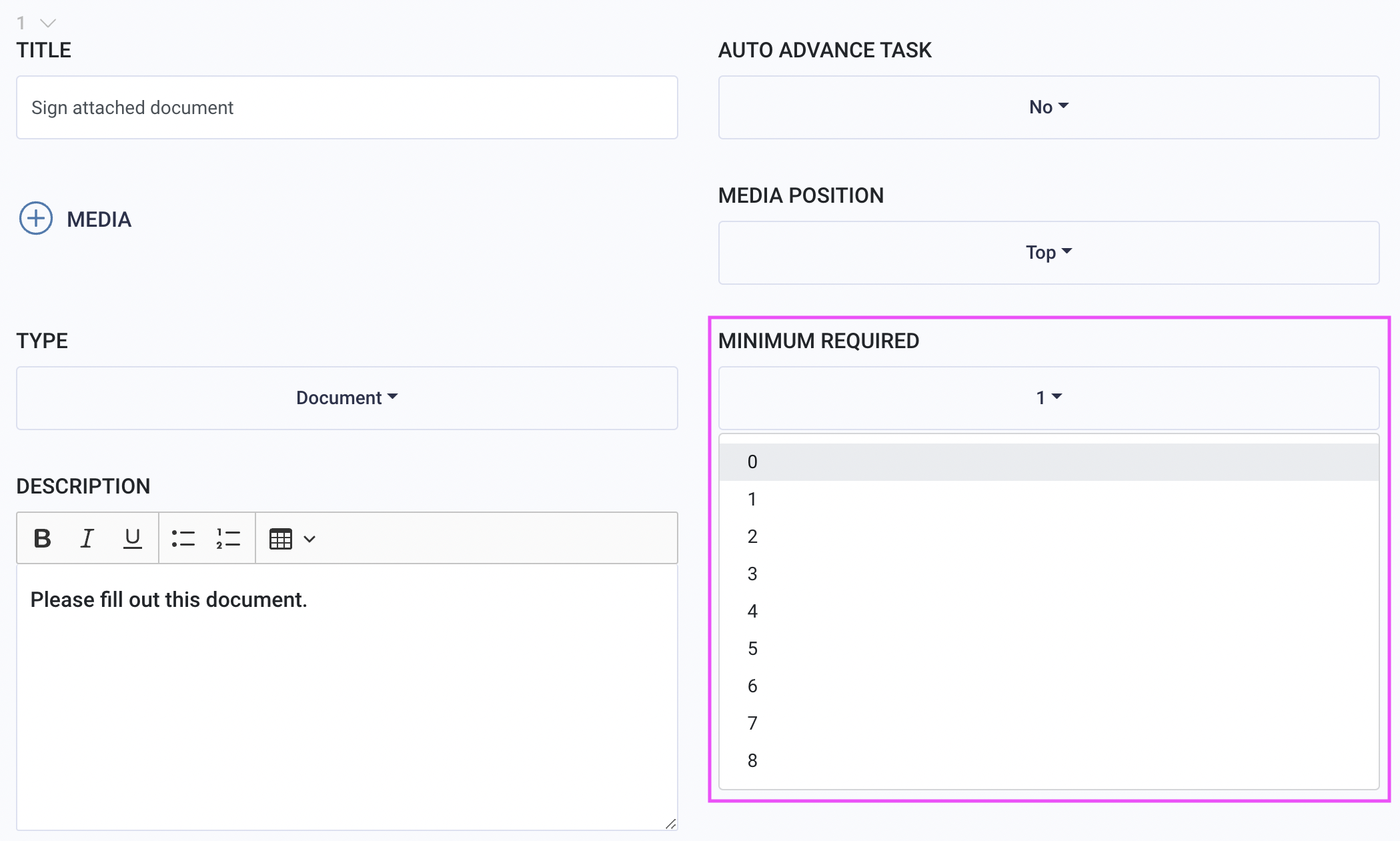
Each task requires a minimum amount of items to complete a task. You can set the minimum amount for up to eight per task. To set a task to optional, select zero.
Note: There is no limit to the number of items that can be uploaded to MirrorMe.
Tip: Another way to get the most details from the end-user is to add an Additional Documentation task. Adding this task allows users to submit more photos/videos not included in your primary task list. Set this task to optional so it does not apply to the required amount to complete the workflow.
To download this article, click print from your browser to save it as a PDF.