You can personalize the customer experience by customizing your project branding. This provides more trust of use to your users.
You can customize this section under Branding in Project Settings.
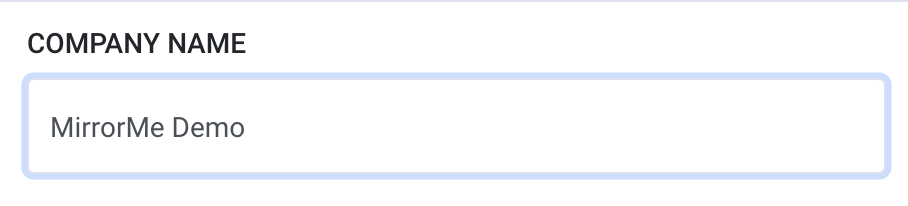
1. Company Name - Add your company name as you would like it to appear on the Service App and for all banners on the mobile interface.
2. Terms of Service URL - Add a PDF link to your company's terms and conditions.
3. Privacy Policy URL - Add a PDF link to your company's privacy policy.
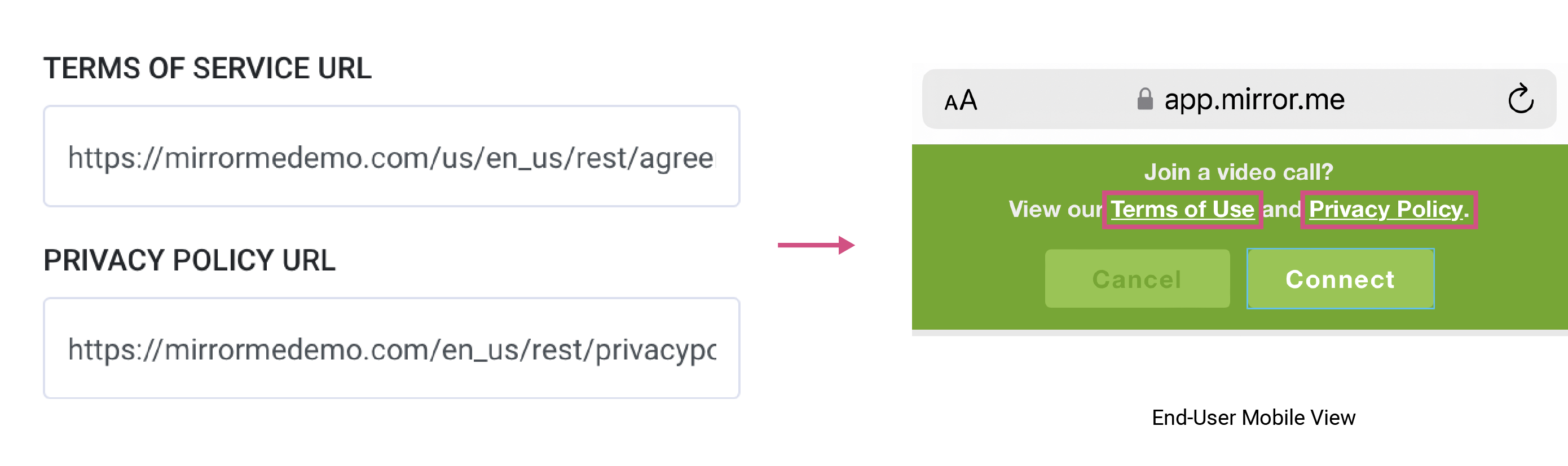
Note: Make sure to verify links are active and set to the appropriate language for
your project"s locale.
4. Logo - Upload your company's logo to personalize the customer experience. Acceptable formats are PNG and JPEG and are vector files.
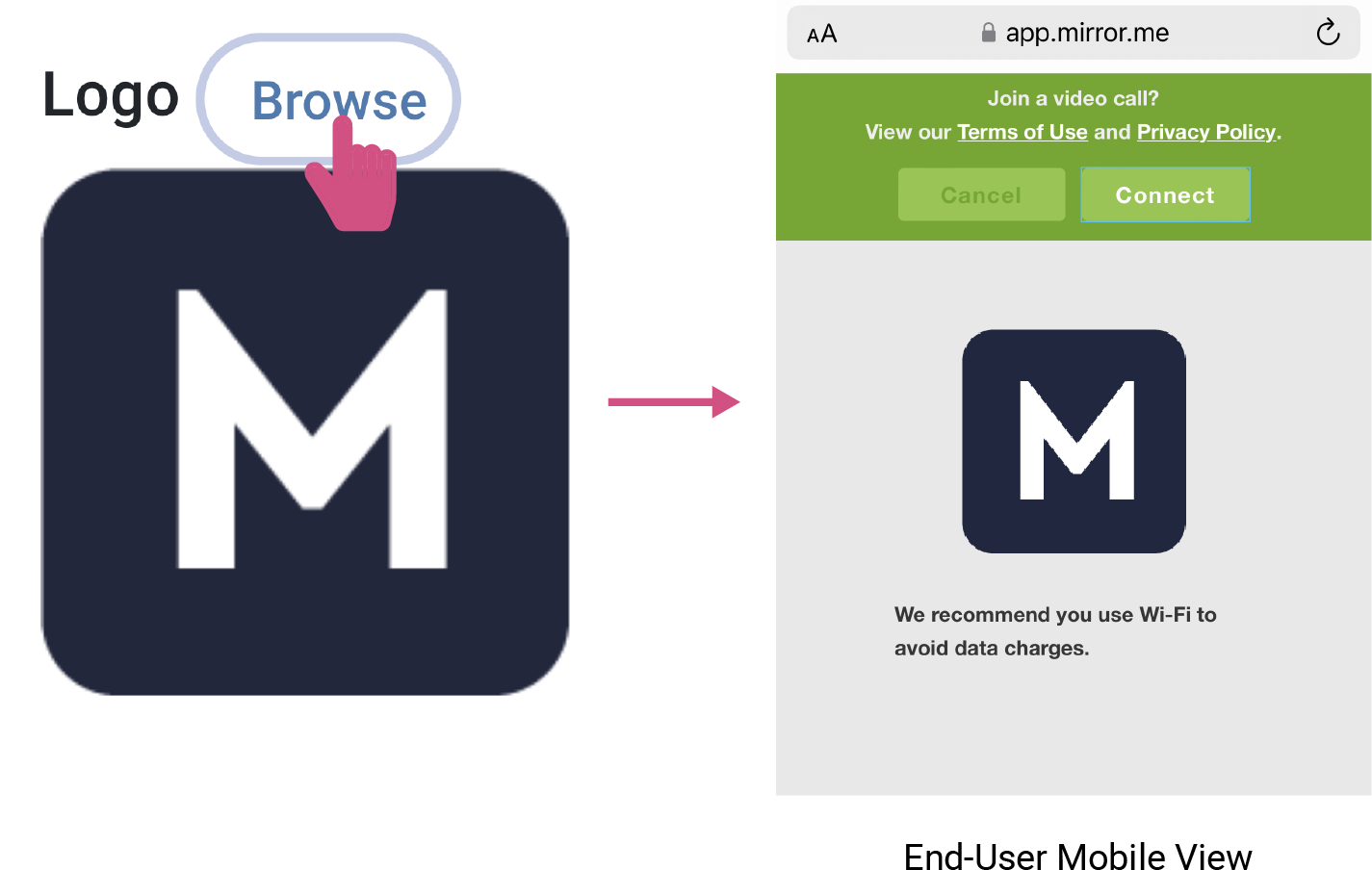
Note: Contact us to customize your logo or if issues uploading your logo persist.
To download this article, click print from your browser to save it as a PDF.