MirrorMe supports five languages (Spanish, English, Portuguese, German, French, Italian) that coincide with the functionality of the mobile software.
You can set your language under Locale in your project settings.
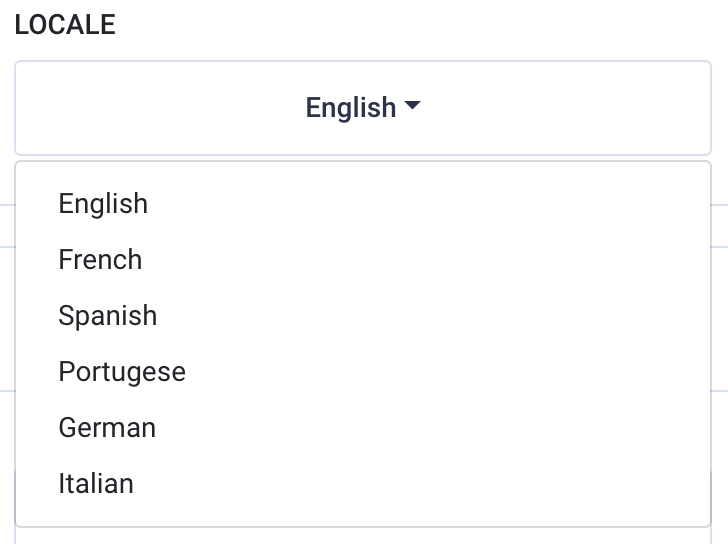
It is important to note that you must create your workflows in your desired language. Setting the language does not automatically translate your default invite message, thank you message, nor your workflow copy.
As you see in this first example, the locale has been set to Spanish. All of the functionality and template instructions have been translated to the language. However, the customizable workflow title is still in English.
Locale set to Spanish:
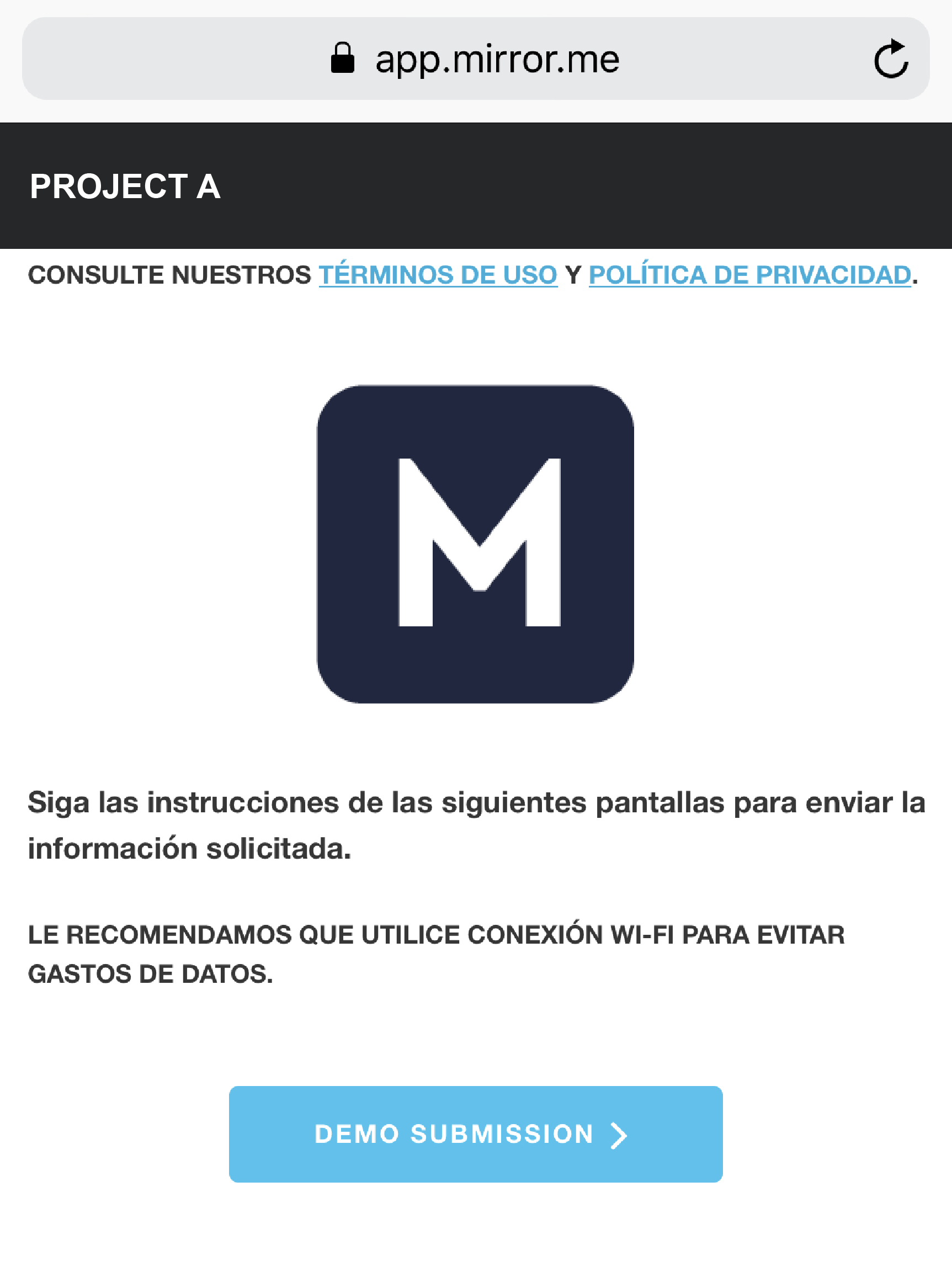
(End-User Mobile View)
In this second example, the admin changed the workflow title to Spanish.
Workflow created in Spanish:
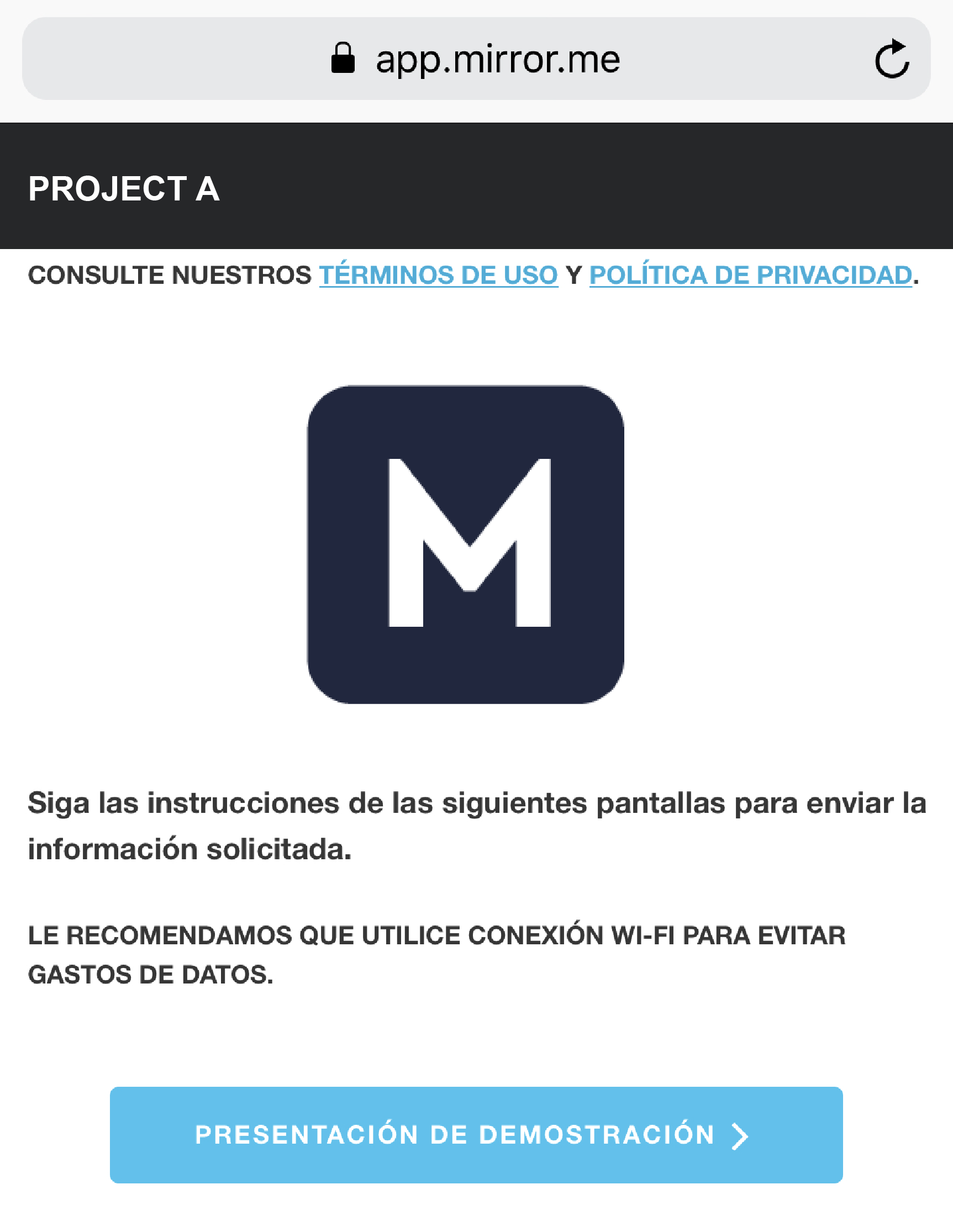
(End-User Mobile View)
To download this article, click print from your browser to save it as a PDF.