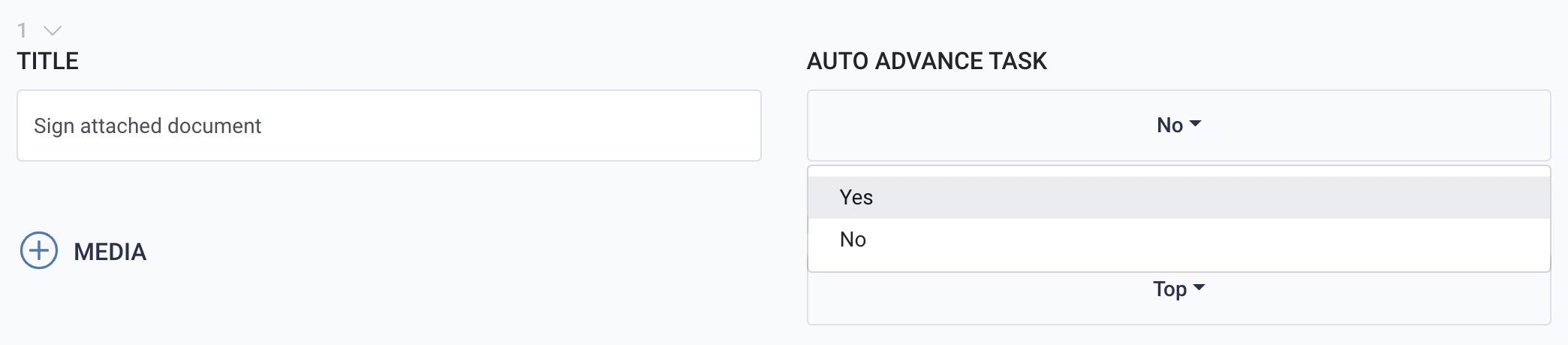
In a workflow, users can choose to automatically advance from one task to the next. The auto advance feature allows the end user to automatically go to the next task when they have completed the minimum required responses within a task.
You can activate this feature per task.
When to Use (and Not Use) Auto Advance
The auto advance feature is best utilized in workflows that contain a series of text-based survey questions.
It is best to activate this feature for tasks with photo and video based requests. This is so users can continue to upload freely beyond the minimum required instead of automatically forwarding the user to the next task.
Deciding when and when not to use this feature makes workflow completion more efficient.
To download this article, click print from your browser to save it as a PDF.