Managing Your Notification Inbox
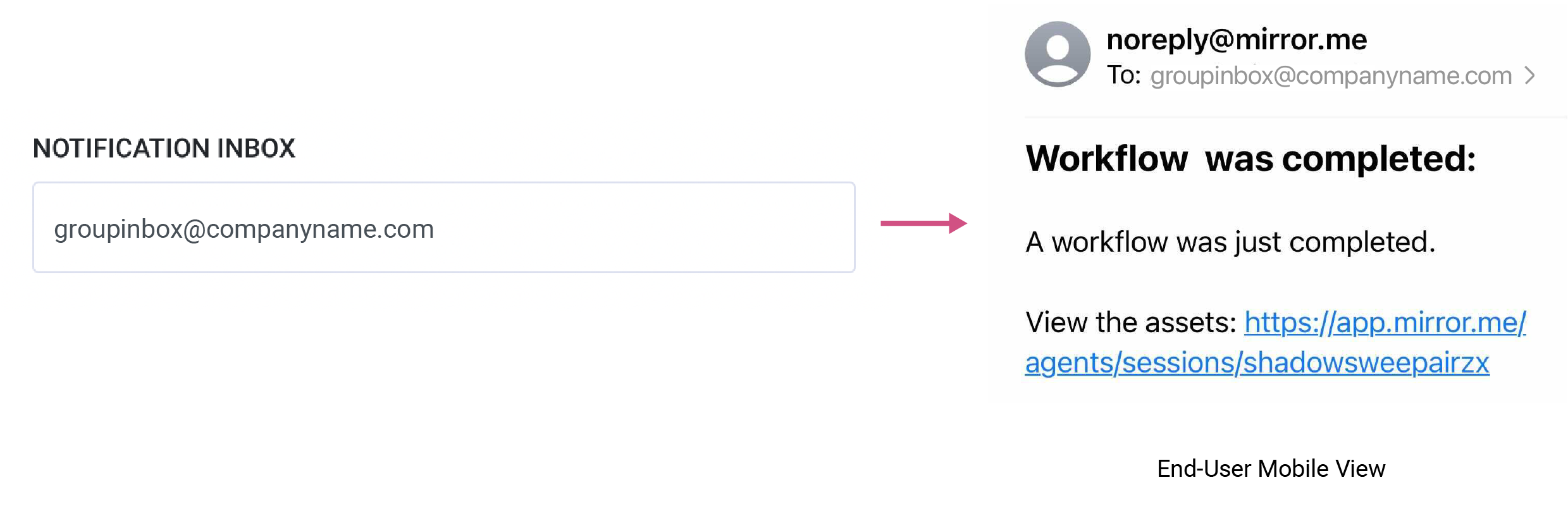
The notification inbox is used to override the default email notification sent to the sender of the invite. You can add an alternative email to the notification field.
This is generally used when you would like the notification emails to be redirected to a general (group) inbox for team monitoring, rather than to the team member who sent the invitation.
Notification Settings
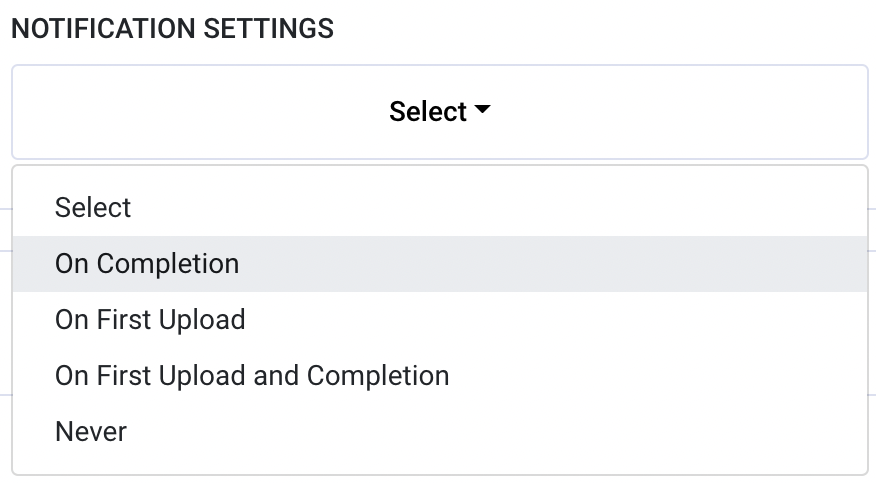
Select from the list of options to set up your email notification frequency.
- On Completion to get an alert when the end user has completed all tasks in a workflow session.
- On First Upload to get an alert when the end user has submitted one task item to their session.
- On First Upload and Completion to receive alerts upon both first media upload and completion of a workflow.
- Never to not receive any emails at all.
To download this article, click print from your browser to save it as a PDF.