A collaborator is a registered user added to the MirrorMe platform. The designated role of a collaborator determines the level of access a user has to MirrorMe. In the Admin App, you can add/remove users and change roles from the collaborators tab.
These steps apply to both the account and project level.
Add or Remove a Collaborator
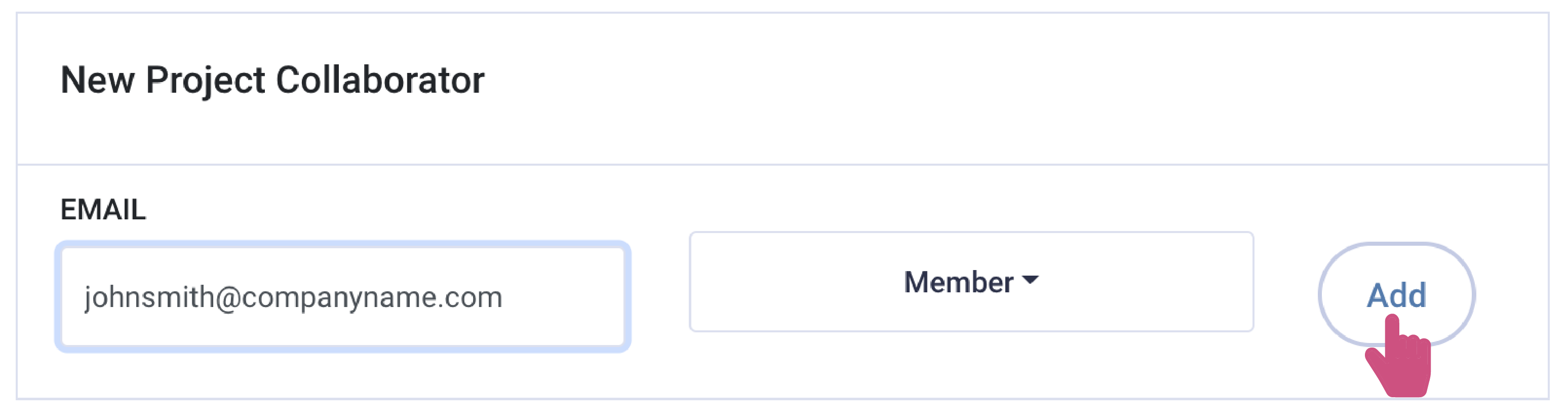
To add a new collaborator, enter the user's email in the field, select their role from the dropdown options, and click add.
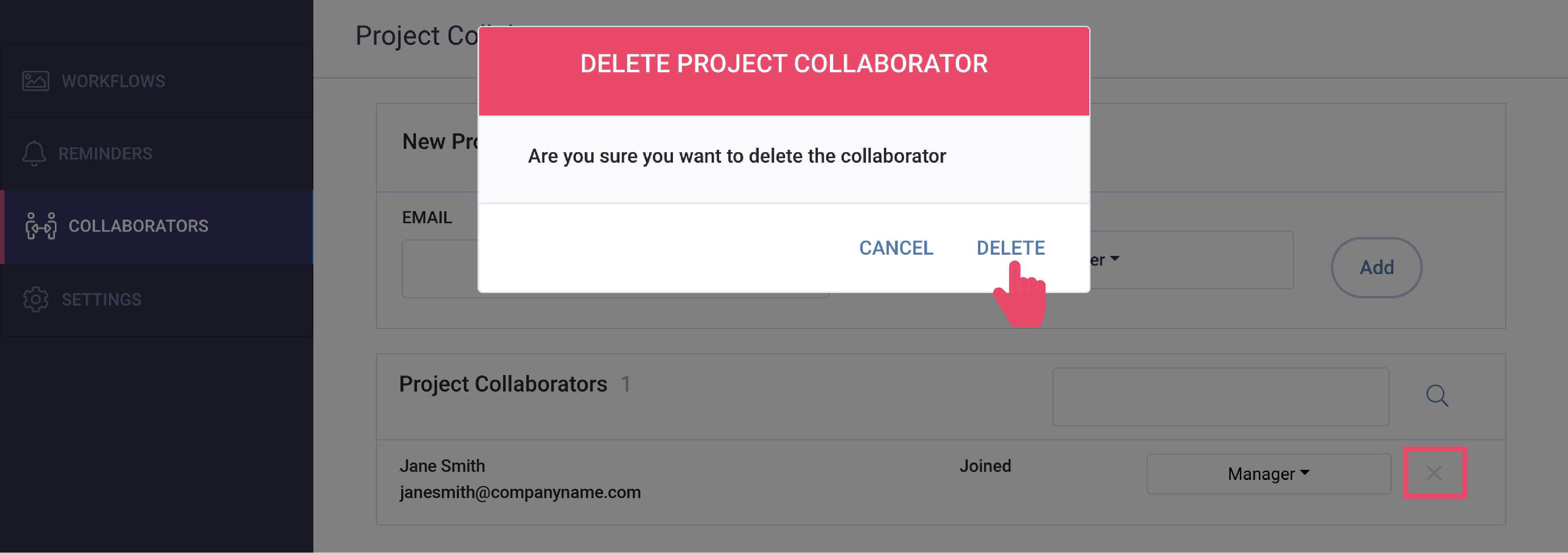
To remove a collaborator, click the ‘x’ to the right of the user's information. A popup will appear. Click delete to permanently remove the collaborator.
Note: Users with access to multiple projects or accounts will remain active until
removed.
Modifying User Access
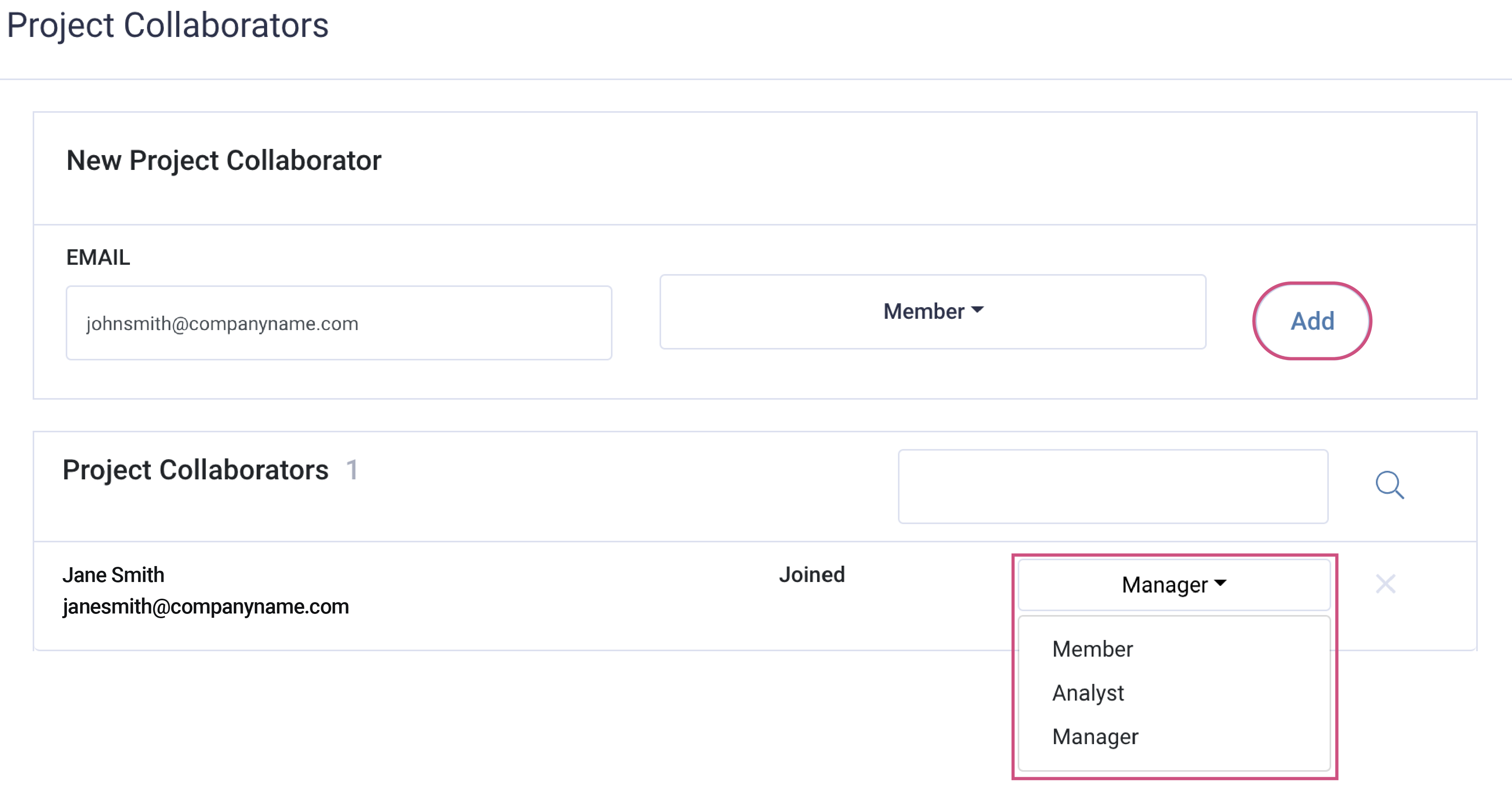
You can modify a user’s access by searching for the user and clicking the dropdown beside their name to select a different role.
Note: Refresh your screen to see the changes.
To download this article, click print from your browser to save it as a PDF.